Spiral Artist
See what wonderful and unique patterns you can make...
images/spiral.js
How It Works
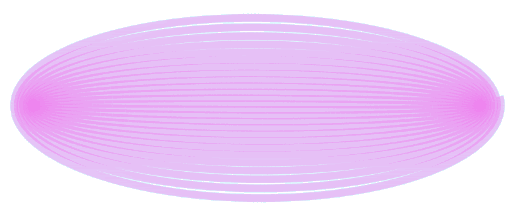
This tool works like a system of rotating wheels. We have one circle rolling around another circle, which might roll around another!
By changing the sizes (radiuses) and speeds of the rotating circles, you can create beautiful geometric curves.
Expert:
Click the "expert" popup for more options. Each circle has these values:
- radius
- radiusAdd +value
- radiusMultiply ×(1+value)
- speed
- speedAdd +value
- speedMultiply ×(1+value)
Negative values are allowed.
Examples:
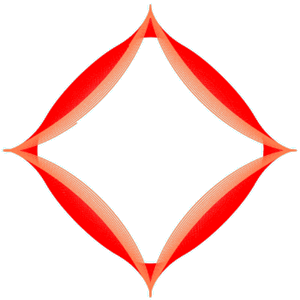
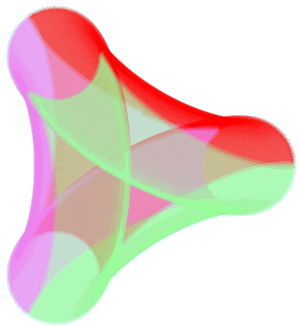
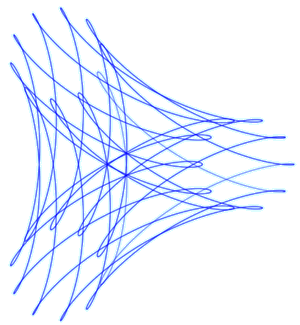
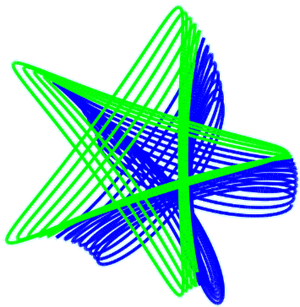
Here are some examples made by playing with settings such as circle size, speed and line width, color and transparency: